Private, exact-size compression
Compress image to 20KB
Reach a strict 20KB limit with automatic quality tuning and careful resizing, all on your device.
Exact-size image compressor
Browser-only processing · six output formats
Your images never go to an upload server. Decoding, compression, previews, and ZIP creation happen on this device.
Advanced settingsDimensions, crop, quality
Dimensions never upscale. JPEG and BMP replace transparency with white. GIF output is static; animated GIF and WebP inputs use the first decoded frame.
A real before-and-after example
See what the size limit changes
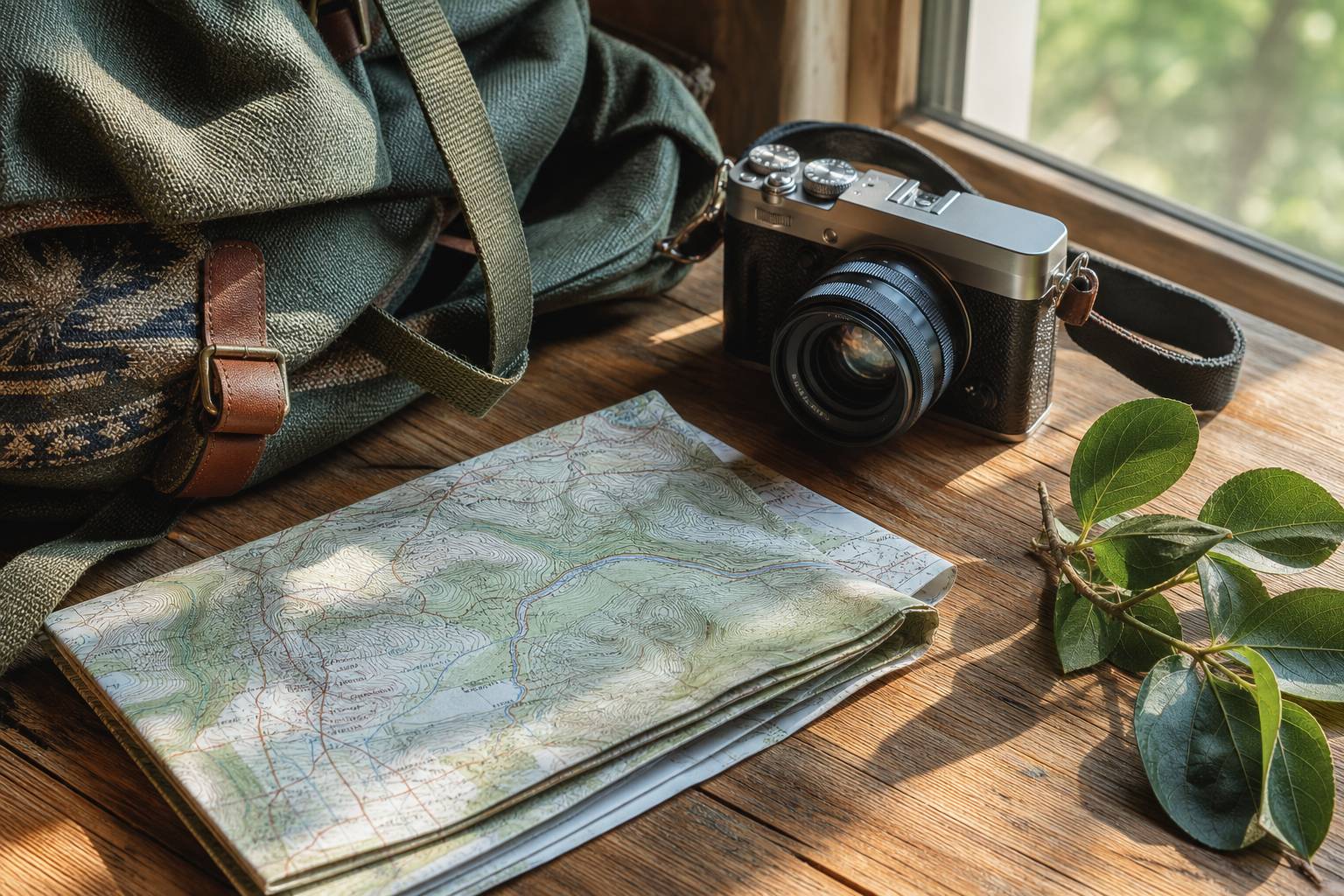
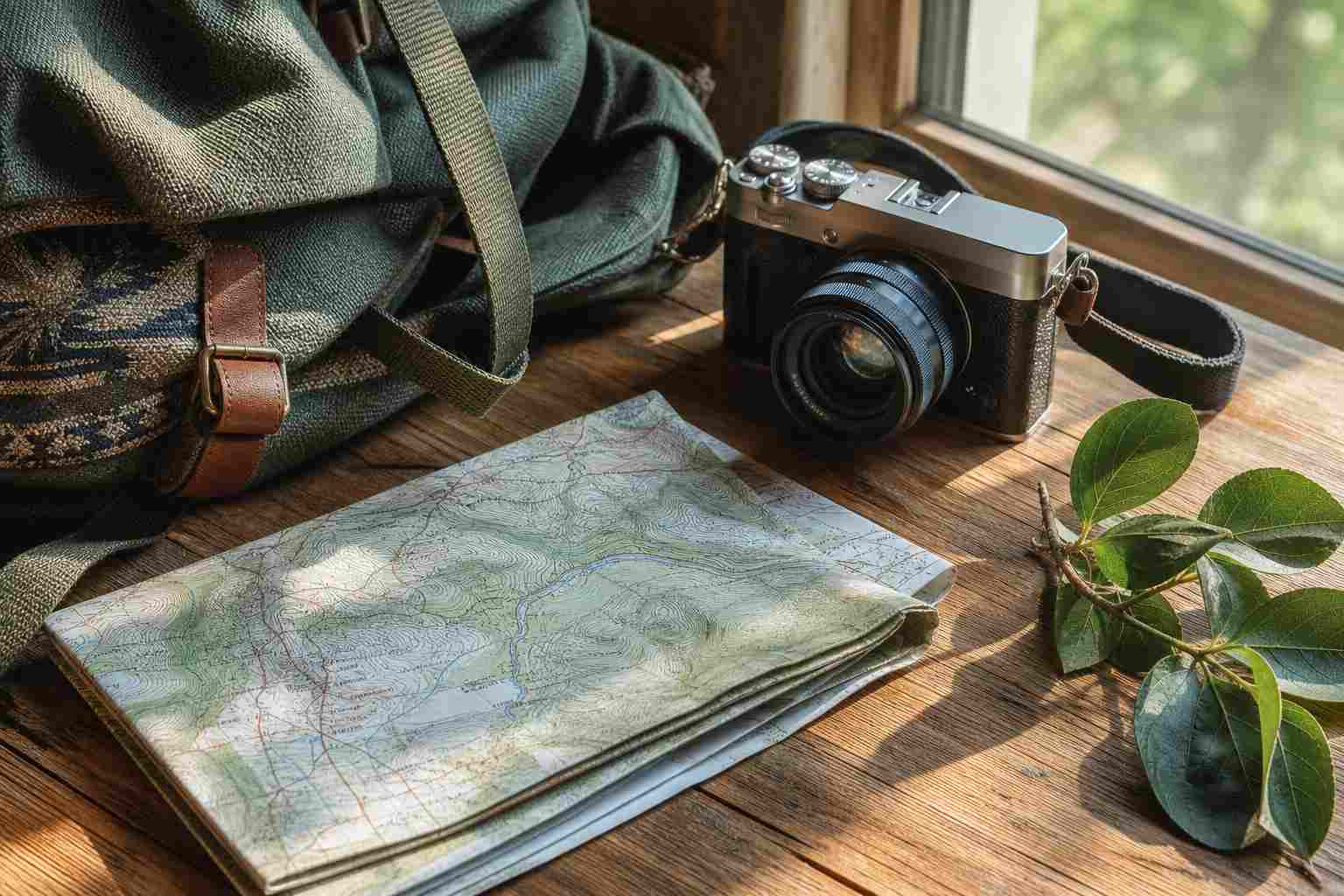
This example starts as a detailed 3.30MB PNG and is processed by the same browser workflow used above. Fine texture is retained while the output stays under the selected 100KB ceiling.
- 01
Decode locallyNo image is sent to a server.
- 02
Search quality firstThe engine keeps the highest result that fits.
- 03
Resize only if neededDimensions change only when quality alone is not enough.
Ready-made limits
Pick the size your form asks for
Each landing page opens the same compressor with the target already selected. A custom KB value is always available.
Why this limit matters
20KB needs a careful tradeoff
Twenty kilobytes is a very small budget for a modern photo. The compressor first tests the highest useful image quality, then reduces dimensions only when the file still exceeds the limit.
Crop empty background before compression. At 20KB, every unused pixel takes space away from the subject.
Where this target helps
Small profile photos and application thumbnails
Closely cropped signatures and simple scanned marks
Legacy forms with very tight upload limits
Format support
Seven inputs. Six honest outputs.
The output picker includes JPEG, PNG, WebP, AVIF, GIF, and BMP. HEIC and HEIF remain input-only because mainstream browsers do not provide a reliable local HEIC export encoder.
| Format | Input | Output | Best use |
|---|---|---|---|
| JPEG | Yes | Yes | Best default for photographs and broad form compatibility. |
| PNG | Yes | Yes | Lossless output with full transparency. |
| WebP | Yes | Yes | Compact modern output with transparency. |
| AVIF | Yes | Yes | High-efficiency browser output powered by a local codec. |
| GIF | Yes | Yes | Static output; animated input uses the first decoded frame. |
| BMP | Yes | Yes | Uncompressed legacy output; dimensions may shrink to hit a limit. |
| HEIC / HEIF | Yes | Input only | Decoded locally, then exported to one of the six reliable formats. |
Compression method
Highest useful quality, without guessing
Search quality first
JPEG, WebP, AVIF, and GIF outputs search for the highest setting that stays below 20KB.
Resize only when required
If encoding alone cannot reach the limit, the engine reduces dimensions and searches again. It never upscales.
Report the measured result
Every file shows its actual bytes, dimensions, savings, and whether the maximum was reached.
FAQ
Questions before you compress
Can a large phone photo really fit under 20KB?
Usually, but the pixel dimensions may need to be reduced. A 20KB result cannot retain the full detail of a multi-megapixel source.
Which output format works best at 20KB?
JPEG is the safest choice for photos. WebP can keep more detail at the same size when the destination accepts it.
Will a PNG stay transparent?
Choose PNG or WebP to preserve transparency. JPEG fills transparent areas with white.
Private by design
Your images stay yours.
The compressor has no image upload API. Analytics never receives file names or image contents.